Whispering Vale • Demo guide
Repair weapons and equipment
Build a Repair Station from build mode, approach the station, then use Repair All Items. The footage uses E on keyboard. When finished, the station reports No Items Need Repairing.
Updated 2026-10-25
On this page
Build a Repair Station
The developer’s answer to “how do I repair?” is to build a Repair Station in build mode. Select that named station and use its current build requirements to place it in your base.
Use the Repair Station for restoring equipment. The Wood Workbench next to it in this picture has a separate crafting interaction.
Approach it and use Repair All Items
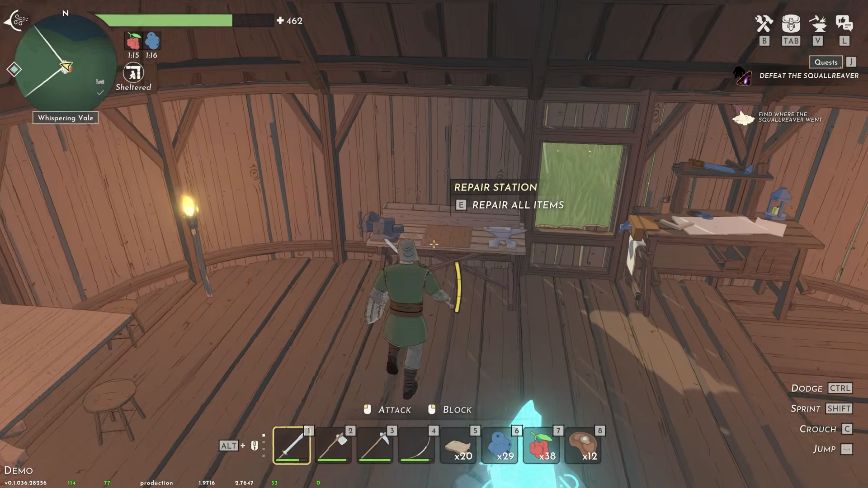
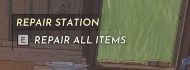
Activate Repair All Items. The official Demo feature list describes equipment repairs as free.
Check the result
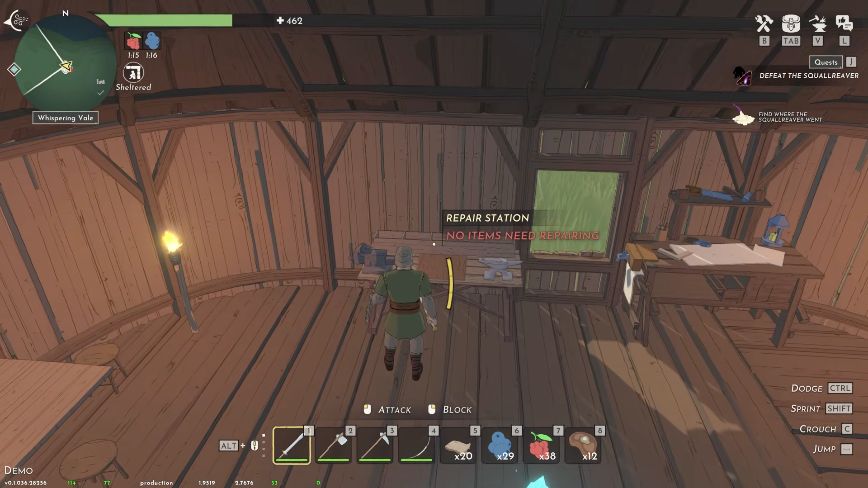

If that message is already present when you arrive, there is nothing for the station to repair at that moment. Use the station’s actual prompt rather than looking for an unrelated crafting recipe.
Did someone else build the station?
For the repair-station quest objective, the developer says you can interact with a station another player built to complete that objective. See the co-op quest conditions and the Crystal Pillar exception →
The interaction sequence shown here is from Demo v0.1.036.28256.